Find the failing connection
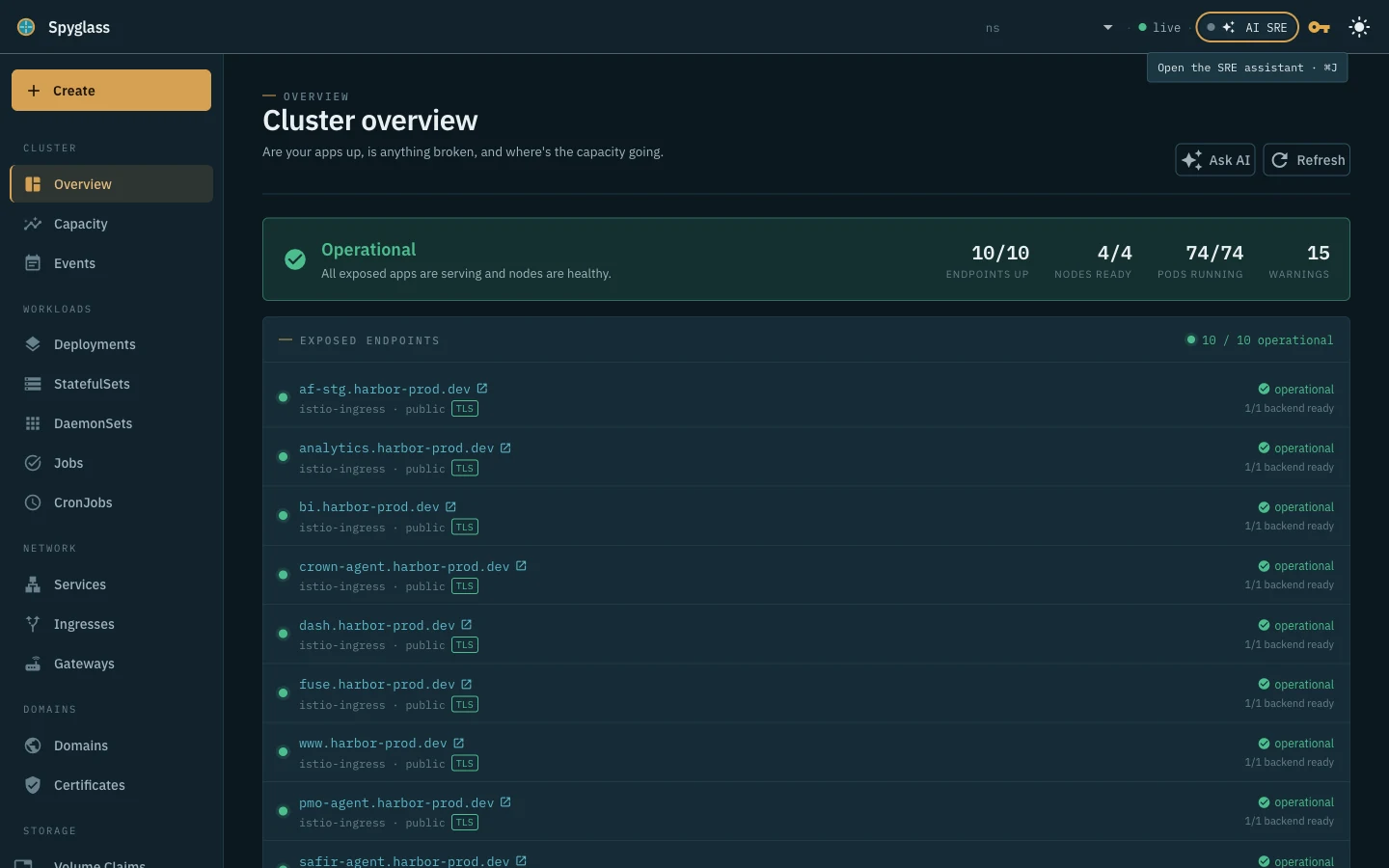
Follow an endpoint through DNS, TLS, routes and backend readiness. See where to investigate next.
Endpoint health Berth
BerthSelf-hosted Kubernetes troubleshooting
Health, logs and capacity in one place. Berth helps small platform teams investigate their cluster, with an optional AI assistant that proposes fixes for you to review.
Runs in your cluster · No account needed to explore · AI is optional
One investigation, fewer tabs
Move from a symptom to the relevant workload, without rebuilding the context at every step.
Follow an endpoint through DNS, TLS, routes and backend readiness. See where to investigate next.
Endpoint healthBring pod status, events, logs and resource usage into the same investigation. Check the evidence behind a suspected cause.
Explore the dashboardCompare requested and used capacity, inspect disruption budgets, and review suggested fixes before applying them.
How AI investigations workA second set of eyes
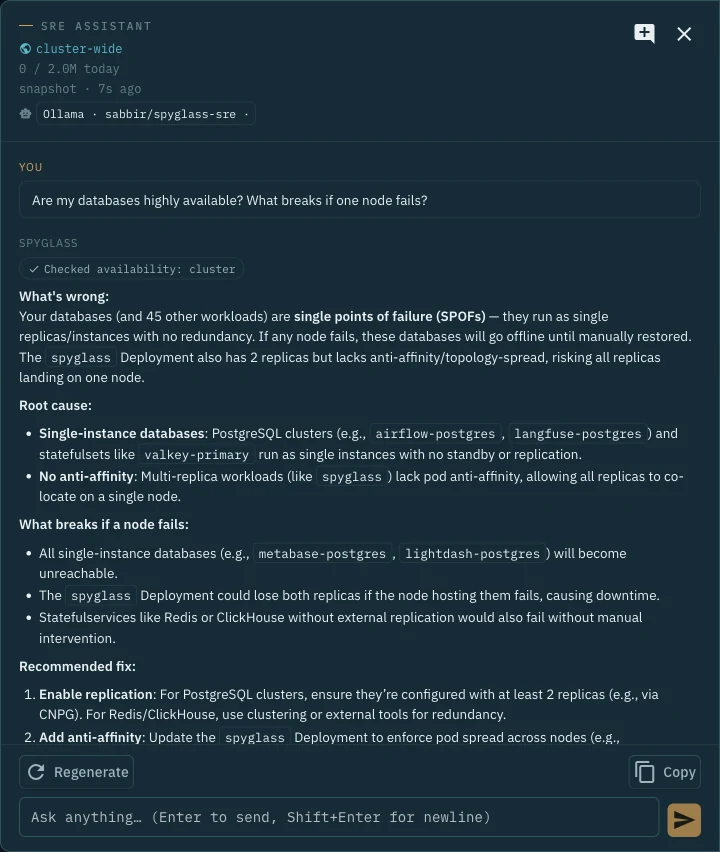
The optional assistant uses read-only tools to investigate the cluster. It shows its tool calls and returns an explanation with suggested commands or manifests.
You decide what to apply. The agent cannot change your cluster.
Explore the AI and data boundariesUse an Ollama server you operate, or connect Anthropic or Bedrock with Enterprise. Raw AI logs and descriptions are opt-in.
Know where it fits
A workbench for trusted cluster administrators who want a clearer view of what is happening now.
See the full product →Start small
Explore the dashboard without a license key. Get a free Community key for changes on clusters up to 10 nodes. Model setup and compute are separate.